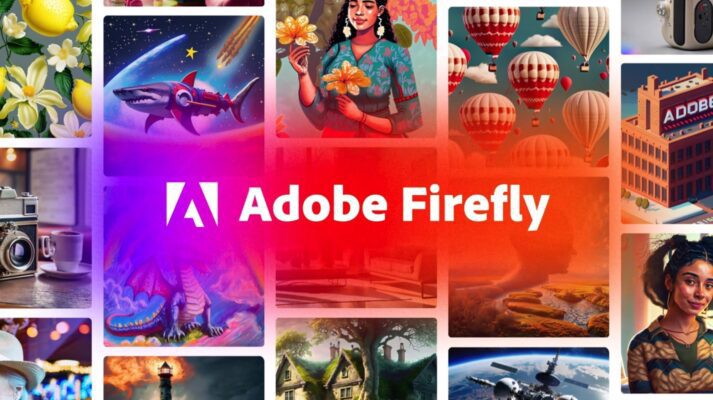
Create with unlimited generations in Adobe Firefly, the all-in-one creative AI studio
Creative teams no longer want limits—they want speed, freedom, and control. Adobe Firefly AI answers that demand with an enterprise-ready generative AI platform built for scale, safety, and real-world production.
Firstly, Firefly removes the biggest blocker in AI creativity: generation limits. However, it doesn’t stop at volume—it delivers quality, collaboration, and seamless integration where teams already work.
Key Features of Adobe Firefly AI
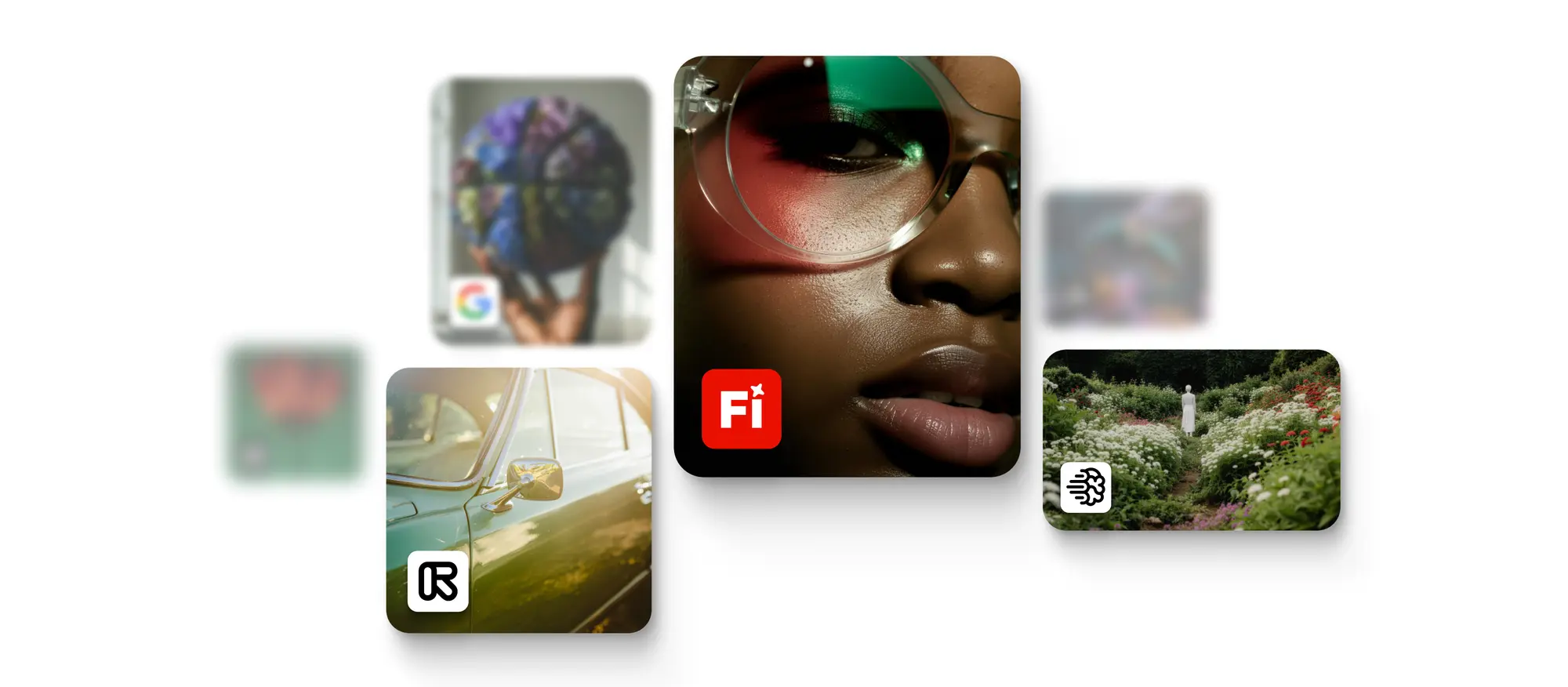
- Unlimited image and video generations using leading AI models, including Adobe’s own and partner models like Google Nano Banana Pro, GPT Image Generation, and Runway Gen-4
- Firefly Boards for collaborative idea generation, concept exploration, and asset iteration
- Direct integration with Adobe Creative Cloud apps like Photoshop and Premiere Pro for instant refinement and production
- Available across web, desktop, and mobile, enabling creativity anytime, anywhere
This unlimited generation capability removes traditional credit limits that once capped creative exploration—giving teams the freedom to experiment, iterate, and refine concepts until they’re just right.
Key Insight
Generative AI isn’t just about speed—it’s about creative confidence. When teams aren’t constrained by limits, they explore more ideas, test variations freely, and arrive at stronger, more original outcomes. Adobe Firefly shifts AI from a novelty to a core creative workflow enabler.
Why Adobe Firefly AI Matters
- Unlimited generations mean faster experimentation and better creative outcomes
- Unified creative studio reduces tool switching and workflow friction
- Built for teams, with collaborative boards and Creative Cloud integration
Finally, Firefly bridges the gap between idea and execution—turning AI creativity into measurable business outcomes.
Try This: Prompt Activities to Get Started
Want to see Firefly in action? Try these prompts: https://firefly.adobe.com/generate/image?view=edit
- Style-transfer only: convert this exact photo into a contemporary paper-cut poster illustration while preserving the original composition. Keep the face, hairline, ears, neck skin, and hands completely clean and unpatterned. Render facial features only as simple, clean paper-cut contours and solid shapes (eyes, brows, nose, lips) with minimal detail. Apply any decorative motifs only to the background and clothing areas. Use culturally neutral, pan–Lunar New Year motifs: generic spring blossoms, buds, new leaves, soft wave/river curves, abstract festive hanging ornaments with simple tassel-like geometry. Avoid culture-specific symbols, characters, calligraphy, identifiable lantern styles, Greek-key/fret patterns, and cloud motifs that read as a specific tradition. Flat, front-facing, print-ready vector-like finish—no depth, no gradients, no shadows, no 3D. Exactly 3 inks only: imperial red, gold, warm cream. No text.
- Turn this photo of friends into a playful claymation-style illustration. Soft hand-molded textures, slightly imperfect shapes, warm Valentine’s Day color palette, heart-shaped details, cozy lighting, whimsical and joyful tone.
Final Thoughts
Adobe Firefly AI is not just another generative AI tool—it’s a creative engine that removes traditional limits on imagination and execution. With unlimited generations, a collaborative canvas, and seamless Creative Cloud integration, Firefly empowers teams to explore freely and produce professionally—faster than ever.
FAQs
- Is Adobe Firefly AI safe for commercial use?
Yes. Firefly is trained on licensed and approved content, making it enterprise-ready and brand-safe. - Does Firefly replace Creative Cloud apps?
No. It enhances them by integrating directly with tools like Photoshop and Premiere. - Can teams collaborate inside Firefly?
Yes. Firefly Boards enable shared ideation and iterative collaboration. - Is Firefly suitable for large organizations?
Absolutely. It’s built for scale, governance, and enterprise workflows.